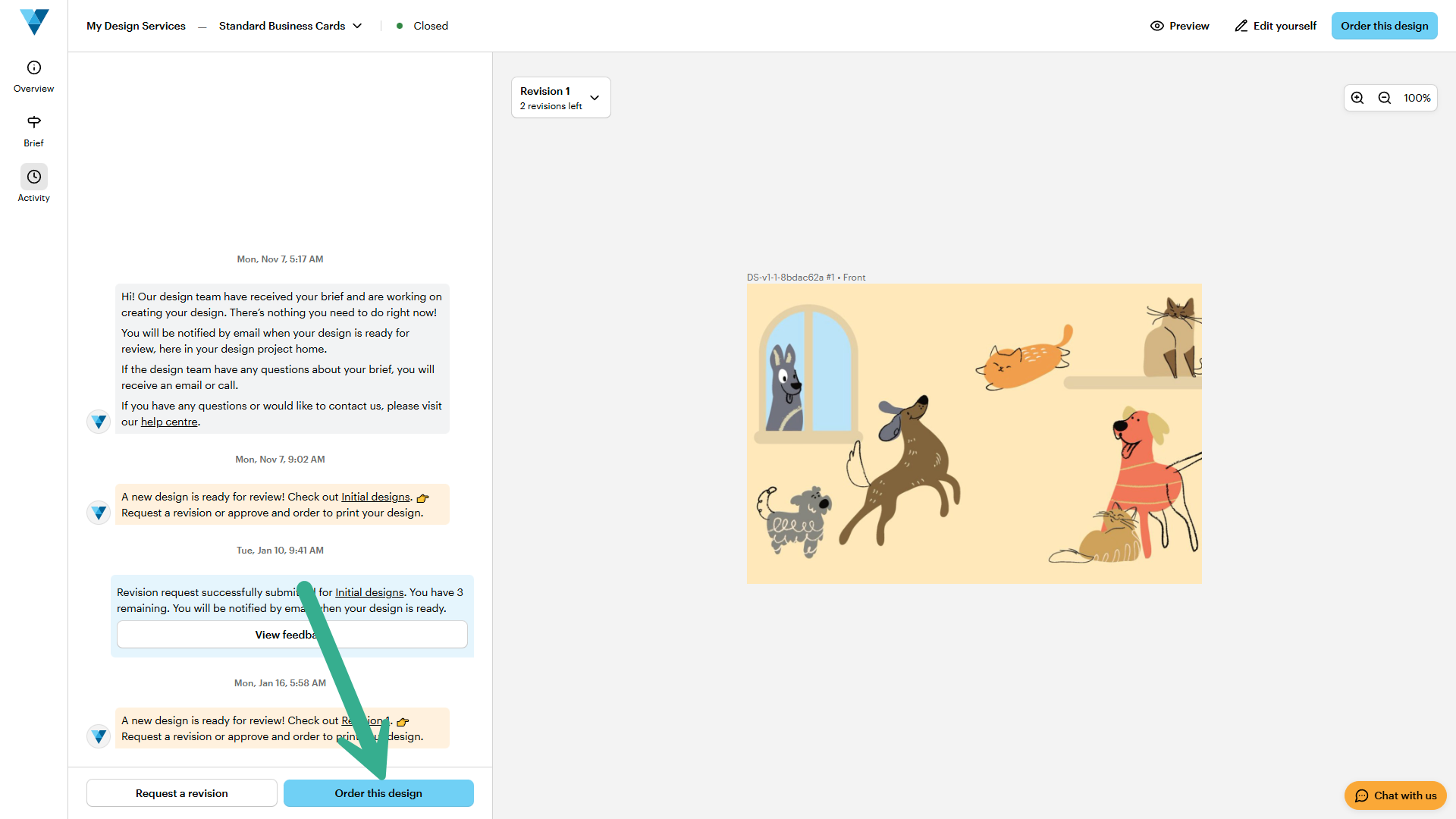
Steps to request a revision
Open your design project
Go to My Designs in My Design Services and open the project you want to review. You’ll also receive an email notification when your design is ready.
Review the design
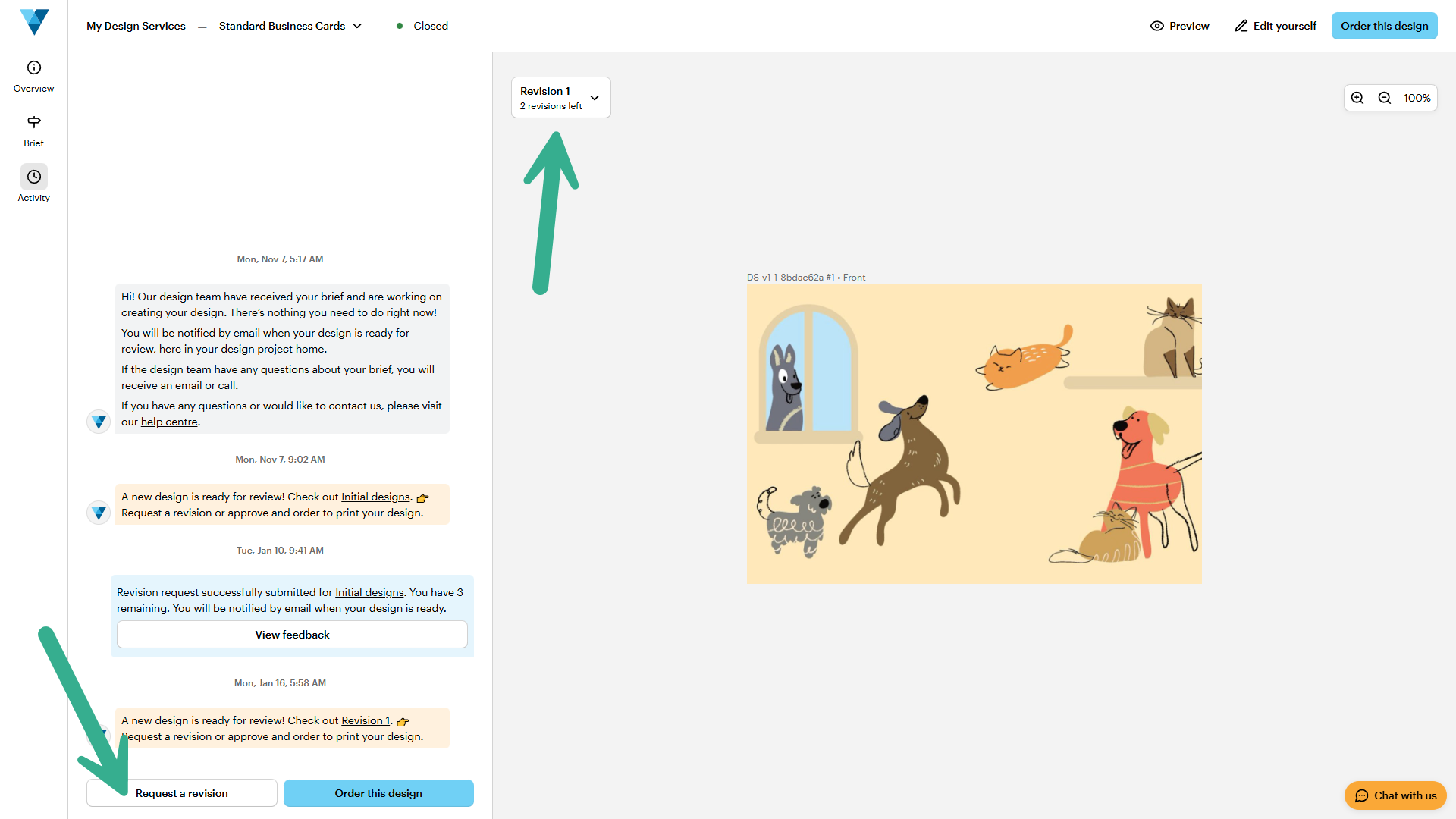
Check the latest version from your designer in the project timeline.
Request a revision
Select Request a revision to ask for changes. You'll also find how many of your 3 revisions you have left.
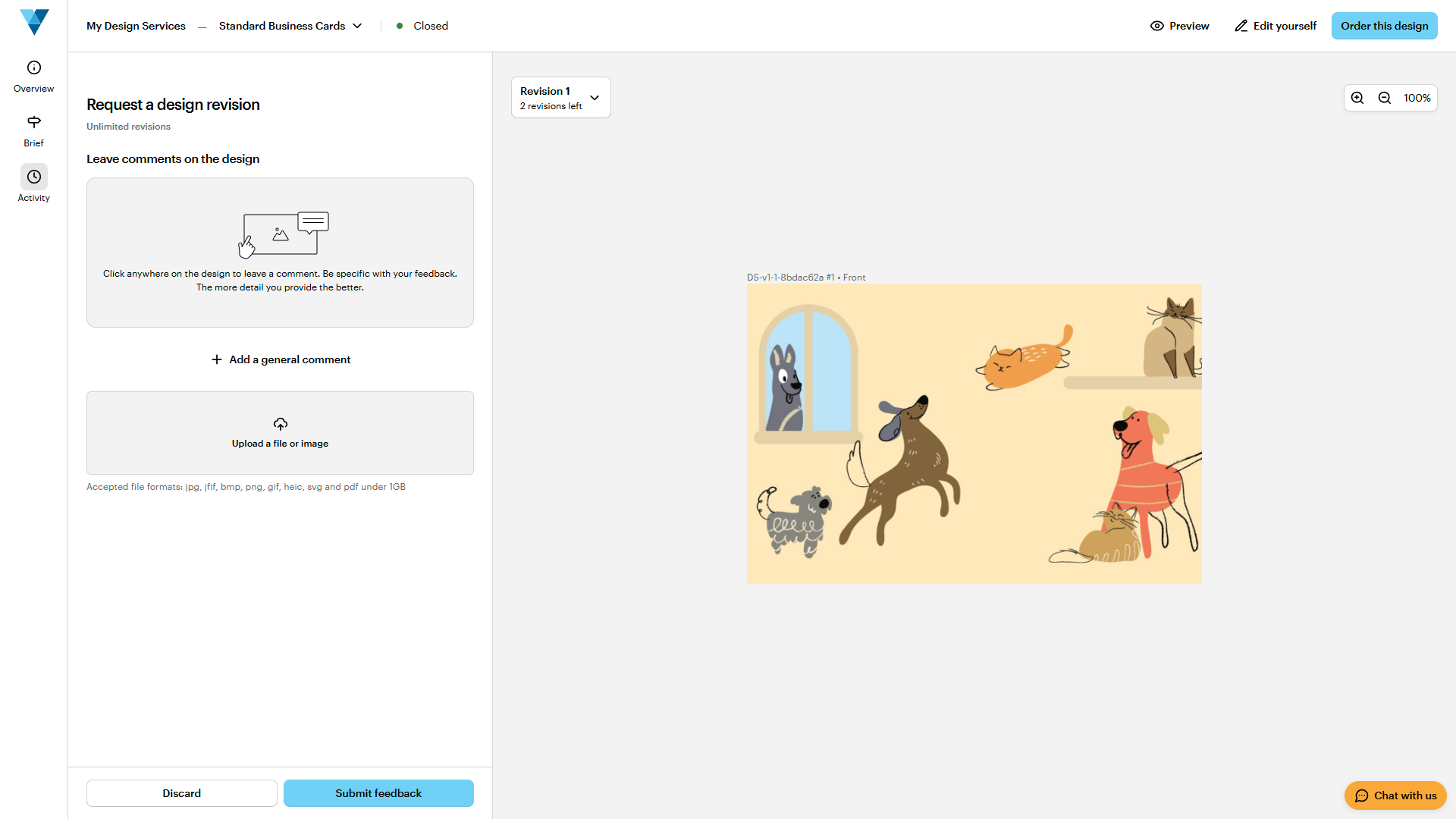
Share your feedback
Add specific, detailed comments so your designer understands exactly what to update.
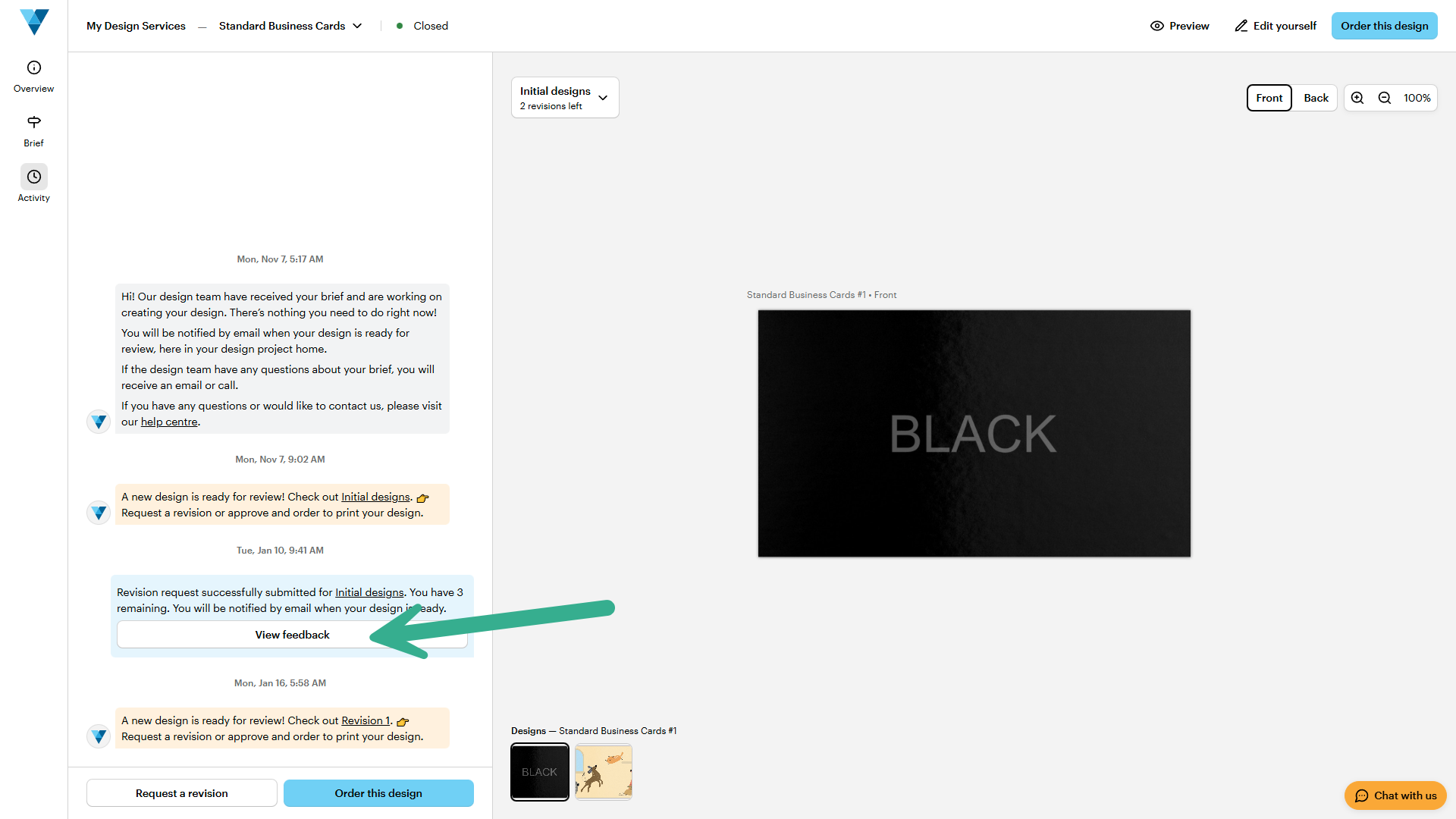
To check your previous feedback and make sure nothing is missed, select View Feedback. This helps you confirm earlier notes and add any details your designer may need.
Approve the design
When you're happy with the result, select Order this design to move forward.