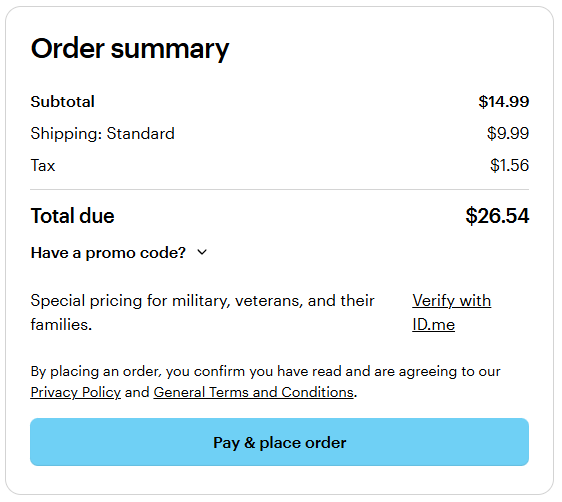
Apple Pay is available for customers shopping on desktop using Safari and other browsers. To complete the payment, you’ll need an iPhone running iOS 18 or later.
Steps to pay with Apple Pay
1
Sign in and add items
Sign in to your VistaPrint account and add products to your basket.
2
Continue to checkout
Proceed to checkout using any desktop browser.
3
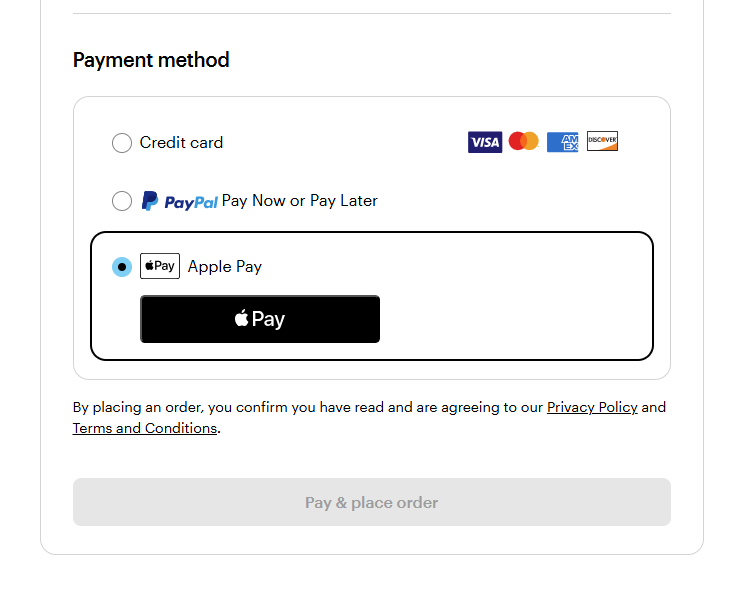
Choose Apple Pay
Under payment methods, select Apple Pay and choose Pay.
4
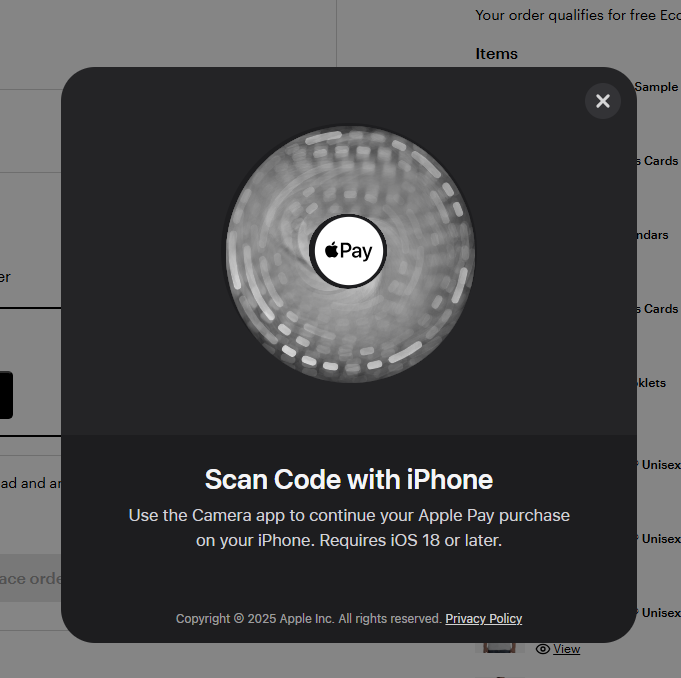
Scan the QR code
A unique QR code will appear. Scan it with your iPhone (iOS 18 or later) and continue the payment on your phone.
5
Complete the payment
Confirm the payment on your iPhone using Apple Pay.
6
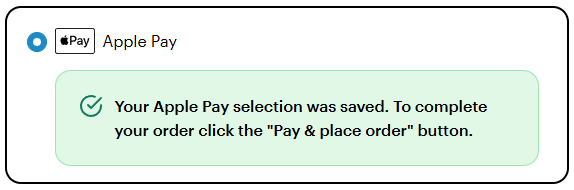
Place your order
After the payment is approved, return to your desktop and select Pay & place order to finish your purchase.